
How to turn off your backpack light in ARC Raiders
The backpack light toggle is called Emissive and sits in your backpack's customization menu. Exact steps, what it does and what it doesn't.
Updated . Checked after the Frozen Trail update on 8 October, which added the Emissive toggle.
Quick answer
Open the Raider tab, go to Customization (bottom left), click the Style tab, pick Backpack on the left, select the pack you’re wearing and switch Emissive to Off. It’s a setting on each backpack, and it lives in the menus, so sort it out before you deploy.
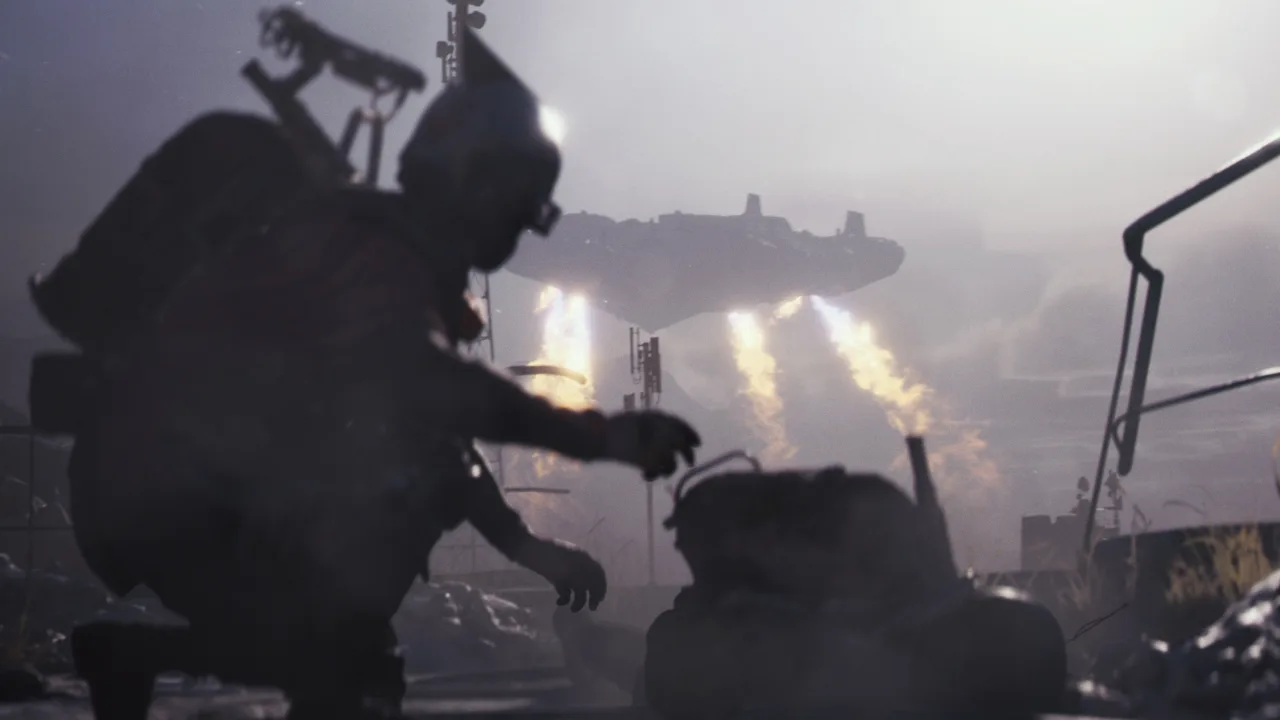
ARC Raiders is a game about creeping around in the dark trying not to get killed, and some of the backpacks come with a light built in. It’s a bit like turning up to a heist in a hi-vis jacket. The Frozen Trail update finally added a switch for it, and Embark put that switch somewhere you’d never think to look, which is presumably why you’re here.
How to turn off the backpack light
- Open the Raider tab on the main screen.
- Select Customization in the bottom left.
- Click the Style tab at the top.
- Choose the Backpack category on the left.
- Select the backpack you have equipped.
- Set Emissive to Off.
It isn’t in the main options menu and it isn’t a keybind, which is where I looked first, for a daft amount of time. It’s a cosmetic setting, so it sits with the cosmetics. Flip it, check your pack in the preview and you’ll see what disappears.
It is set per backpack
Only backpacks with a light on them have the Emissive option, and the light sits in a different place on every design. A pack without the setting has nothing to turn off. The setting belongs to each pack, so if you swap to a different one, go back and check it.
Can you switch it off during a raid
No. It’s a customization menu, so it’s a lobby job. If you drop in with the light on, it stays on until you’ve extracted and made it back to Speranza.
Does it make you harder to spot
That’s why Embark added it. A light on your back is something another Raider can see, particularly in a dark building or on a night raid, and with it off that’s one thing fewer giving you away. It doesn’t make you invisible. Your footsteps and your silhouette are still there, so think of it as one less thing going wrong rather than a cloak.
What else came with the update
The same update brought the snowy Frozen Trail map and the Grappling Hook, and a bigger stash that tops out at 328 slots before expedition bonuses. You can also open the map while you’re downed now. Of all of it, the backpack toggle is the change I’d have asked for first, which says a lot about how much time I spend hiding behind cars.
Go and switch it off, then get back to dying in the dark like the rest of us.
Something wrong or out of date? Tell us
Guide by
Josh
Josh plays a lot of Arc Raiders and yells “friendly!” into proximity chat more than he should. He gets shot anyway. He’s also a horror fan who has quit more games at the first jump scare than he’ll admit, and he runs a Supermarket Simulator shop he’s weirdly proud of.
Up next in ARC Raiders
Keep playing
-
GuidesEarly game
-
GuidesMidgame
-
GuidesMidgame
-
GuidesMidgame

Squad chat
Be the first