Phantom Blade Zero best PC settings: what to lower and what to leave on Ultra
The graphics settings worth lowering in Phantom Blade Zero, the ones that cost nothing on Ultra, and how to set the upscaler, frame generation and ray tracing.

Quick answer
Switch High-Quality Hair off, drop Environment Detail to Medium, and take Material, Effects, Lighting and View Distance down to High with Shadows on Very High. Everything else stays on Ultra. Run your GPU’s own upscaler on Quality and keep ray tracing off. At 1440p on an RTX 4090 that mix pushed the average up from 74 to 103 FPS.
Ultra is a poor starting point in Phantom Blade Zero. A handful of settings swallow most of the frame rate and barely change the picture, while the rest cost almost nothing. A custom setup beats every preset, and in a combat game this fast the extra frames show up in your parries.
Where the settings are
Open the System menu and go to Graphics. There are five presets from Low to Ultra, plus a button that applies the recommended level for your hardware. That button is a fair first step before you change anything by hand. Motion Blur, Film Grain, V-Sync and HDR sit on the Display page instead.
Ray Tracing Quality is the odd one out. It only changes from the title screen, so set it before you load a save.
Best graphics settings
This is the setup behind that jump. The Ultra settings in it cost almost nothing to keep, which is why they stay.
| Setting | Value | Why |
|---|---|---|
| Shadow Quality | Very High | Looks close to Ultra. High and below turn shadows from moving objects static. |
| Reflection Quality | Ultra | Ultra keeps the best reflections. Lower levels drop them for a small gain. |
| Post-Processing Quality | Your pick | No measurable difference in frame rate. |
| Lighting Quality | High | Medium and Low make foliage flicker. |
| Effects Quality | High | Fog, clouds and particles stay close to the top presets. |
| Material Quality | High | Medium and Low make water look worse. |
| Ambient Occlusion Quality | Ultra | Lowering it saves next to nothing. |
| Depth of Field Quality | Your pick | Mostly a cutscene effect with no gameplay cost. |
| Motion Blur | Off | Low is fine if you want some. High and Very High smear the camera. |
| Anti-Aliasing Quality | Medium | Only applies to TSR. DLSS, FSR and XeSS ignore it. |
| View Distance | High | Far scenery barely changes. |
| Character Texture Quality | Ultra | Free. Keep it. |
| Character Model Quality | Ultra | Free. Keep it. |
| High-Quality Hair | Off | The costliest option outside ray tracing. |
| Environment Texture Quality | Ultra | Fine on 8 GB cards at 1440p with ray tracing off. |
| Environment Model Quality | Ultra | Lowering it gains nothing. |
| Environment Detail Quality | Medium | Plenty of clutter stays and the frame rate climbs. |
| Ray Tracing Quality | Off | Covered below. |
Hair comes first. High-Quality Hair swaps card hair for strand hair, it runs during gameplay as well as cutscenes, and it costs roughly a fifth of your frame rate. Players with a lot of spare GPU can switch it back on later. Radeon RX 9000 owners have a second reason to leave it off, which is the hair corruption AMD lists for those cards.
Upscaling
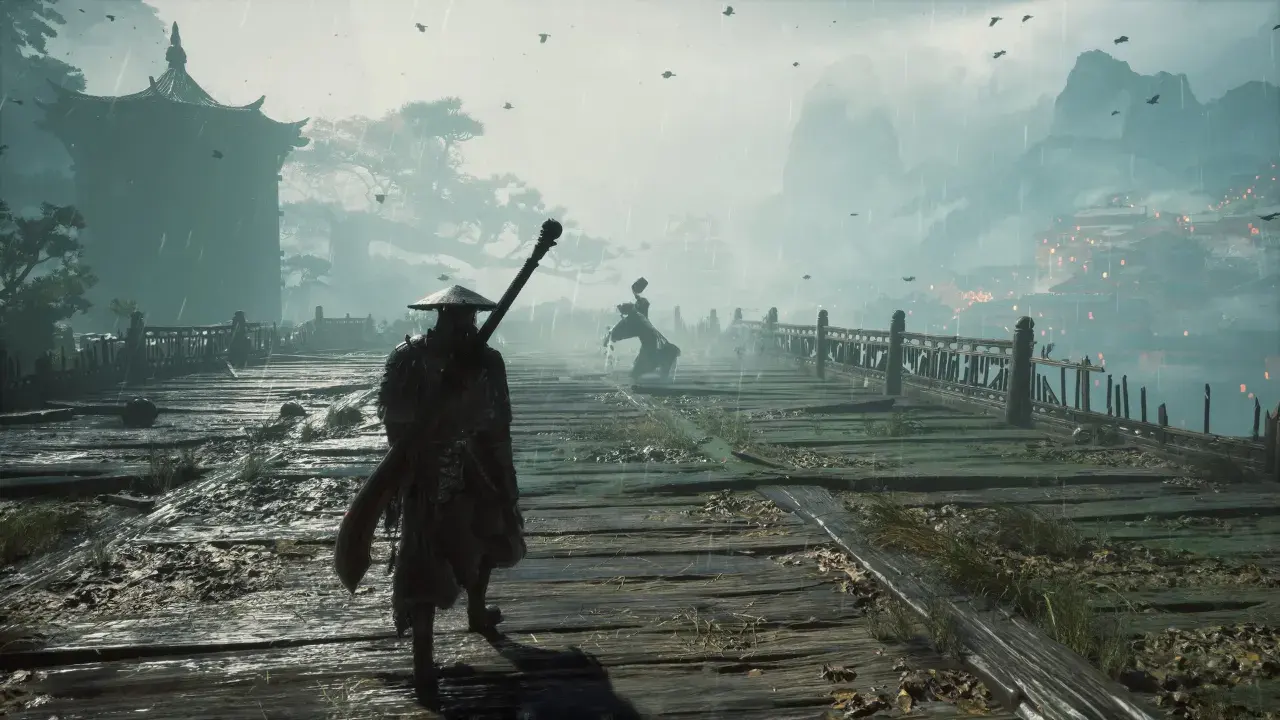
GeForce RTX cards use DLSS Super Resolution, Radeon cards use FSR Upscaling and Intel Arc cards use XeSS. TSR works on anything. Start on Quality and move to Balanced only when the frame rate still falls short.
Leave Super Resolution Output Scale on 100 percent. Left on Auto it can render below your screen’s resolution and the whole image turns soft. Dynamic Resolution only offers 30 and 60 FPS targets, so a fixed mode gives you more control.
Frame generation
Which version you get depends on the card. DLSS Frame Generation needs an RTX 40 or 50 series GPU, Dynamic Multi Frame Generation is RTX 50 only, FSR Frame Generation shows up on Radeon and XeSS Frame Generation on Intel. NVIDIA Reflex can only be switched on together with DLSS Frame Generation.
Turn it on once the game holds around 60 FPS without it. Generated frames raise the number on screen, but your inputs still land at the real frame rate. Switch Motion Blur off first, because blur leaves smeared trails during fast camera turns when frame generation runs.
Ray tracing and path tracing
Skip both unless you have GPU headroom. Ray tracing adds reflections and shadows. Path tracing replaces the lighting with ReSTIR global illumination and adds water caustics, and it needs DLSS Ray Reconstruction. That makes it a GeForce RTX feature, since the game has no FSR Ray Regeneration support.
Both cost real frames, and they cost memory too. Ray tracing adds about 1.5 GB of VRAM use and path tracing close to 3 GB. The suggested hardware is an RTX 5060 8 GB for ray tracing at 1080p and 60 FPS, and an RTX 5080 16 GB for path tracing at 4K and 60 FPS, both with upscaling switched on.
Settings for weaker PCs
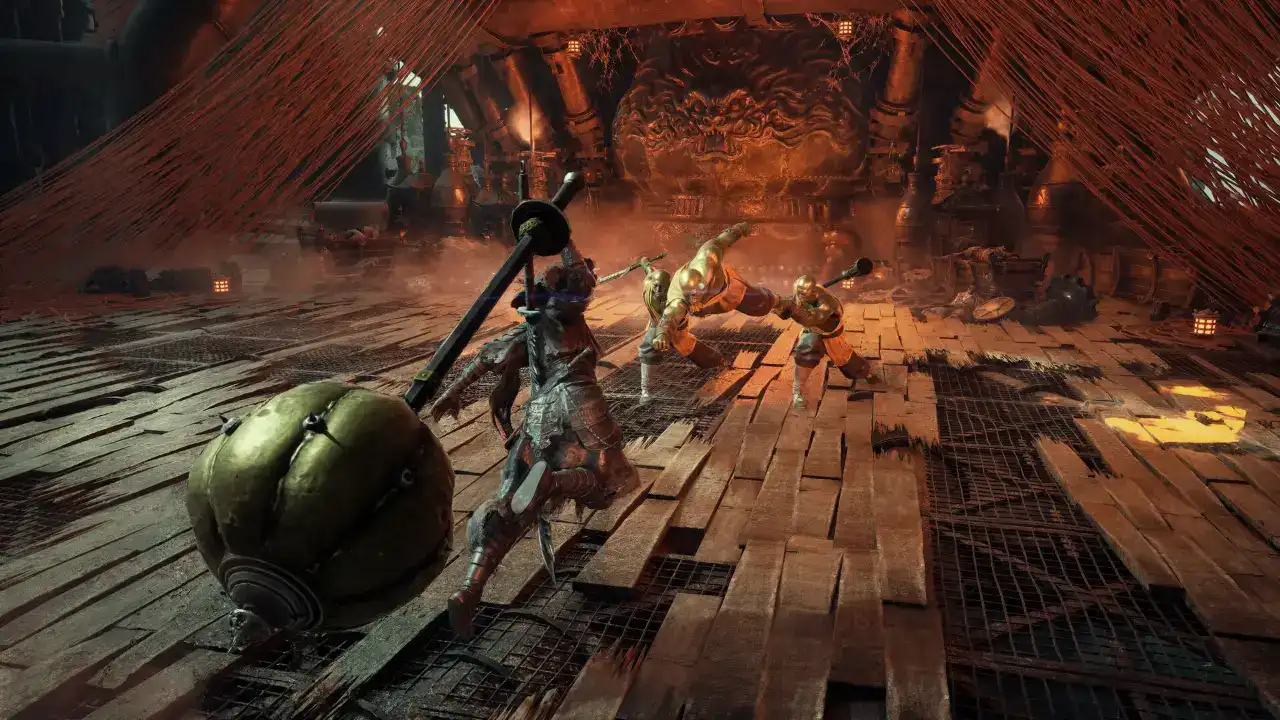
The minimum is a GTX 1660 with 6 GB, or an RX 5500 XT with 8 GB, aimed at 1080p and 30 FPS. The recommended spec moves up to the RTX 3060 Ti, or alternatively the RX 6700 XT, aimed at 1440p and 60 FPS. Both targets assume an upscaler, so native resolution is out of reach on cards that size.
Near the minimum, play at 1080p, run the upscaler on Quality and then Balanced, and keep hair and ray tracing off. Drop Environment Detail to Medium first. Dragging every slider to Low costs image quality for small gains, because most of the Ultra settings in the table are nearly free.
VRAM
At 1440p with ray tracing off, Ultra environment textures run fine on an 8 GB card. Once ray tracing or path tracing is on, 10 to 12 GB is a lot more comfortable. Environment Texture Quality is the first setting to lower when memory runs out.
First launch
The first launch compiles shaders. Leave the game window in front until it finishes, since alt-tabbing away lowers its CPU priority and slows the job. Driver trouble and crashes are covered in the crash and stutter fixes.
With the settings sorted, the combat tips for beginners cover parries, Sha-Chi and weapon swapping.
Did this guide help?
Something wrong or out of date? Tell us
Guide by
George
George grew up on Dark Souls and Call of Duty, and he still has strong opinions about both. He also plays Arma, where he walks a very long way to get shot by someone he never saw. He says it’s part of the experience.
Up next in Phantom Blade Zero
Popular right now
-
GuidesMidgame
-
GuidesEarly game
-
GuidesMidgame
-
GuidesMidgame

Squad chat
Be the first