
Phantom Blade Zero: controller or keyboard and mouse
Use a controller. Here are the default binds for both inputs, how to rebind them and the camera settings worth checking.
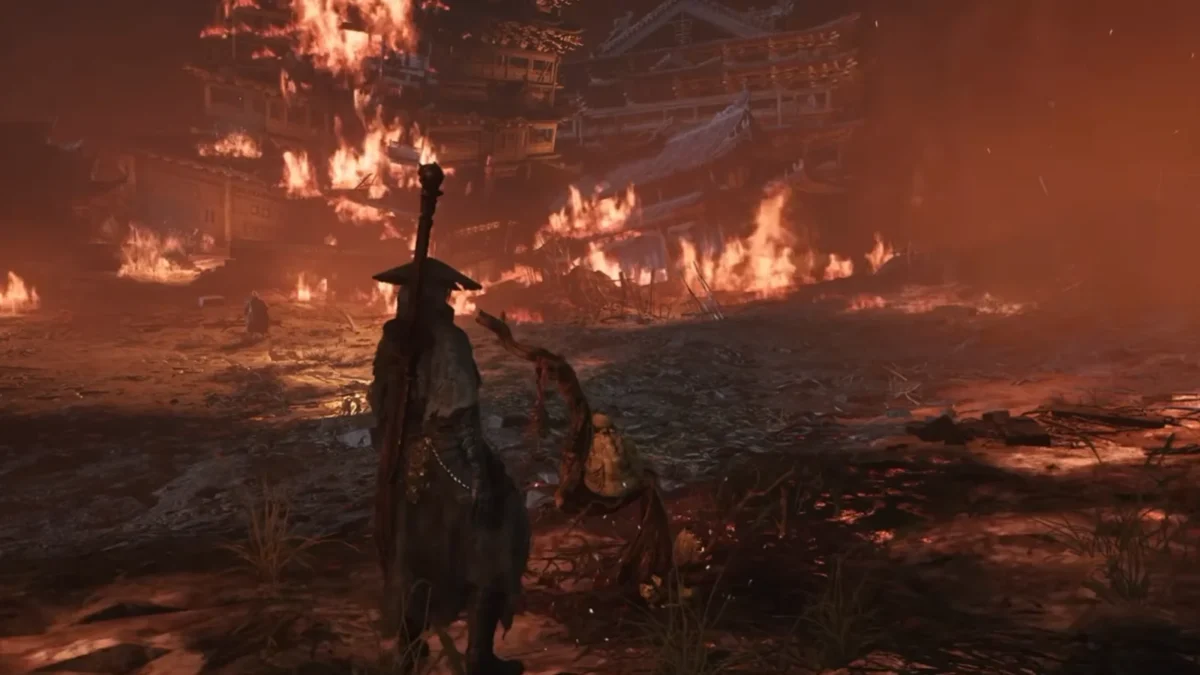
Quick answer
Use a controller. Parry and dodge sit on the bumpers, which leaves both thumbs free for movement and the camera. Keyboard and mouse works and you can rebind it, but right mouse handles block, parry and both special skills, and the mouse camera has no smoothing. Pads from Xbox, PS4 and PS5 all work on PC. Rebinding is in Settings, then Controls, then Button Bindings.
Phantom Blade Zero runs on both inputs and nothing is locked behind either one. On PC you can plug in an Xbox, PS4 or PS5 pad, or stay on keyboard and mouse. The fights are the same. What changes is how many things your hands are doing at once.
Which input to use
Controller. I played on a pad and tried keyboard and mouse for fun. Don’t.
Combat comes down to parry and dodge. A pad puts both on the shoulder buttons. Block is L1 or LB, dodge is R1 or RB, and neither thumb leaves the sticks. On keyboard and mouse the parry is a tap of right mouse and the dodge is Left Shift. Your mouse hand is steering the camera while it also attacks and parries, and that is where it falls apart.
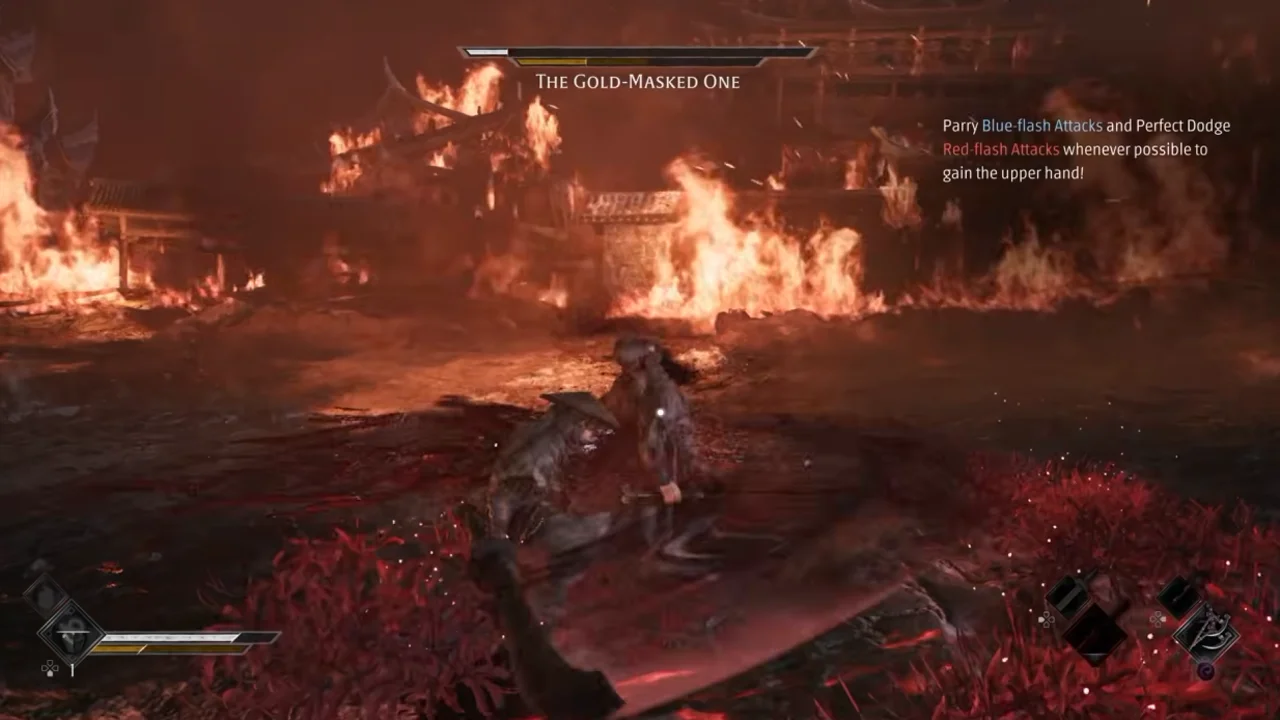
Right mouse also carries both special skills. Hold it with F for the first one, or with left mouse for the second. Those chords are locked, so you cannot move them off right mouse however you rebind the rest.
Then there is the camera. The mouse has no smoothing, so every twitch lands on screen. A PC that stutters in scene changes makes it worse.
None of this makes keyboard and mouse unplayable. If a keyboard is all you have, you can finish the game on it. If you own a pad and are stuck choosing, plug it in.
Default controls
| Action | Keyboard and mouse | Controller (PlayStation / Xbox) |
|---|---|---|
| Light attack | Left mouse | Square / X |
| Heavy attack | F | Triangle / Y |
| Block and parry | Right mouse, tapped to parry or held to block | L1 / LB |
| Dodge | Left Shift | R1 / RB |
| Sprint | Left Shift, held while you move | R1 / RB, held while you move |
| Lock on | Middle mouse | Click the right stick |
| Switch target | Scroll wheel | Tilt the right stick |
| Power Surge | Q | L2 / LT |
| Phantom Edge | Left Ctrl | R2 / RT |
| Switch weapon | 1 | D-pad left |
| Switch Phantom Edge | 2 | D-pad right |
| Medicine | R for the lower slot, T for the upper | D-pad down for lower, up for upper |
| Execute | E | Circle / B |
Dodge and sprint share a button on both setups. Tap it to dodge and hold it while moving to sprint. You can walk while blocking on either input.
Rebinding controls
For keyboard and mouse, open Settings, go to Controls and scroll to Button Bindings. The default layout cannot be edited, so move to a custom slot, 1 or 2, before changing anything. Every action takes a primary and a secondary key. The same screen lets you clear one slot or reset the layout. Mouse side buttons take bindings too.
Some inputs stay locked in every layout: movement, camera, target switching, the special skill chords and the menu keys.
Controllers have three preset layouts and a custom screen where you remap the buttons. Steam Input also works if you want a layout the game does not offer.
Camera and lock-on settings
These sit in the same Controls tab. Camera inversion has separate X and Y switches and both start off. Horizontal and vertical sensitivity run from 1 to 100 and start at 50. The sliders apply to the mouse and the pad at once, so if you swap inputs you will need to retune them.
The tab also holds the vibration options, including Trigger Effect Intensity for the DualSense, and three lock-on switches: Combat Assist When Unlocked, Auto-Switch Lock-On and Auto Lock-On When Attacking. They are worth checking whichever input you use.
DualSense and wired pads on PC
Plug a DualSense in with a data cable. Bluetooth limits some of the haptics, and that is where most controller problems on PC start.
Sort your PC settings before you judge either input. A stuttering frame rate makes the mouse camera feel worse than it is and makes parries feel late on a pad. A tap of block just before a hit is a parry on both, and the usual parry and dodge habits carry over unchanged.
Did this guide help?
Something wrong or out of date? Tell us
Guide by
George
George grew up on Dark Souls and Call of Duty, and he still has strong opinions about both. He also plays Arma, where he walks a very long way to get shot by someone he never saw. He says it’s part of the experience.
Up next in Phantom Blade Zero
Popular right now
-
GuidesMidgame
-
GuidesEarly game
-
GuidesMidgame
-
GuidesMidgame


Squad chat
Be the first